A few weeks ago we had a session with Rich McCue from the UVic Libraries Digital Scholarship Commons. We talked about image editing, video editing, filimg tips, and podcasting. We started by discussing the importance of making resources as a teacher. Whether its for students or colleagues, photo and video editing is relevant for learning how to present information in a professional and helpful way.
We also had a brief aside about safety around uploading photos and personal information. Rich pointed out that the servers for Google Photos are stored in the United States, and that generally any information that you upload to photo editors are stored by the providers. Meaning that as teachers, we need to be careful not to share student information.
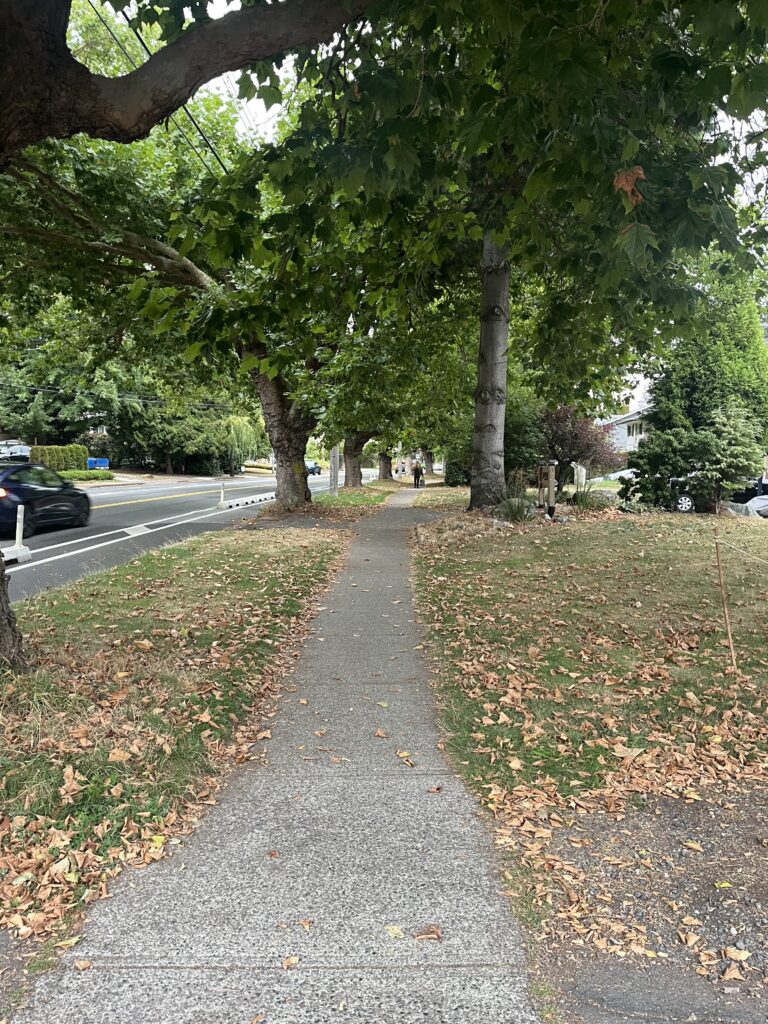
Next, we did a photo editing activity. I used a picture from one of my walks a few weeks ago.
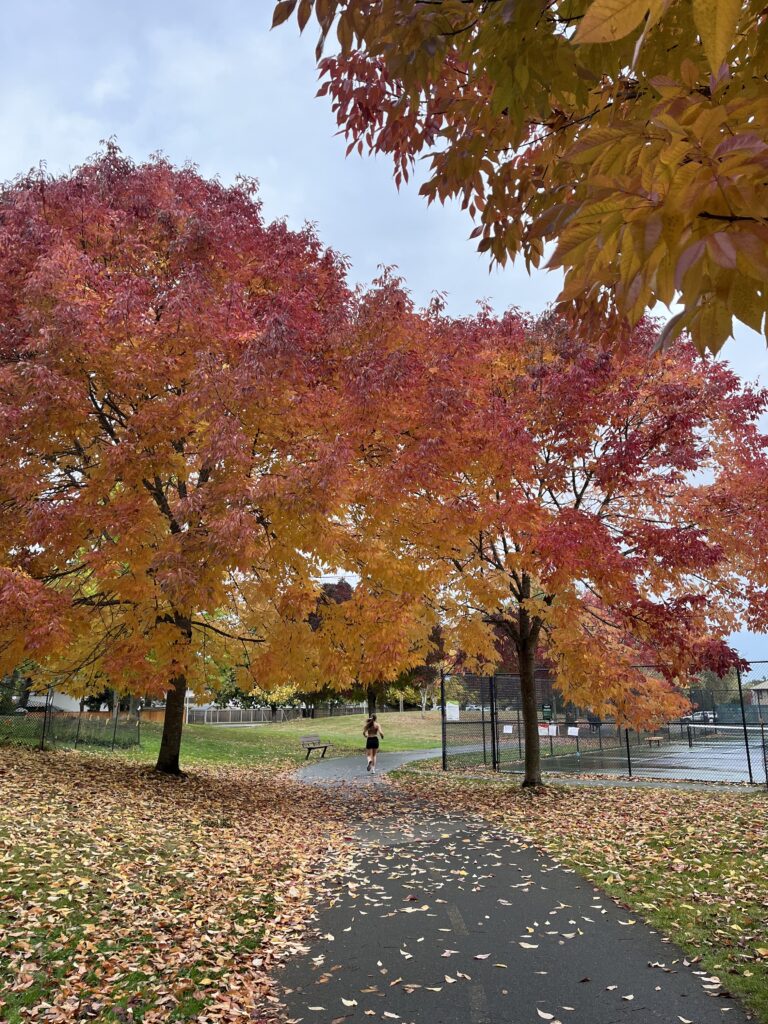
I had never used Google Photos Editor before, so I just experimented with the different filters they offer. I was surprised at how easy it was with the help of the different suggestions on the side.

We also discussed video editing and filming tips. We looked over different examples of student-made videos and Rich pointed out what parts of the filming/editing were good and what parts could be improved upon. Afterwards, Rich shared some tips for filming videos including: using a tripod, using an external microphone, being careful with wind, testing audio on location, using a clap.
I really appreciated learning about how to level up my video editing, especially as I work on final projects for the semeser.
Finally, we talked about podcasting as an option for project formats. Podcasts are great because they are a more intimate way of presenting information and are usually meant for smaller, more niche communities. As long as you have a way to record audio, they are also easy to produce. Some of Rich’s suggestions were to try to tell a story, to build up to a star moment, and to end with a positive take away on your topic.
Overall, I found the session with Rich very helpful! As someone who does video editing for personal and school projects, I appreciated the tips and strategies on how to make my videos more professional. Also, as someone who doesn’t have a lot of photo editing experience, I enjoyed the opportunity to try out some Google Photo Editor features in a low-pressure environment.
If you are interested in learning more about photo and video editing, Rich’s blog has a lot of different courses that you can follow along for free!
— Sofia 🎀